


Preparing page…
Skip to content
PricingDocsUpdatesAccount

The creative layer for your next idea

Make your
next idea visible.

From the first image to the final frame.
Explore image and video AI, then bring it into your product with one API.

Start creatingFind your model
MLMUX / CREATIVE NOTEBOOK
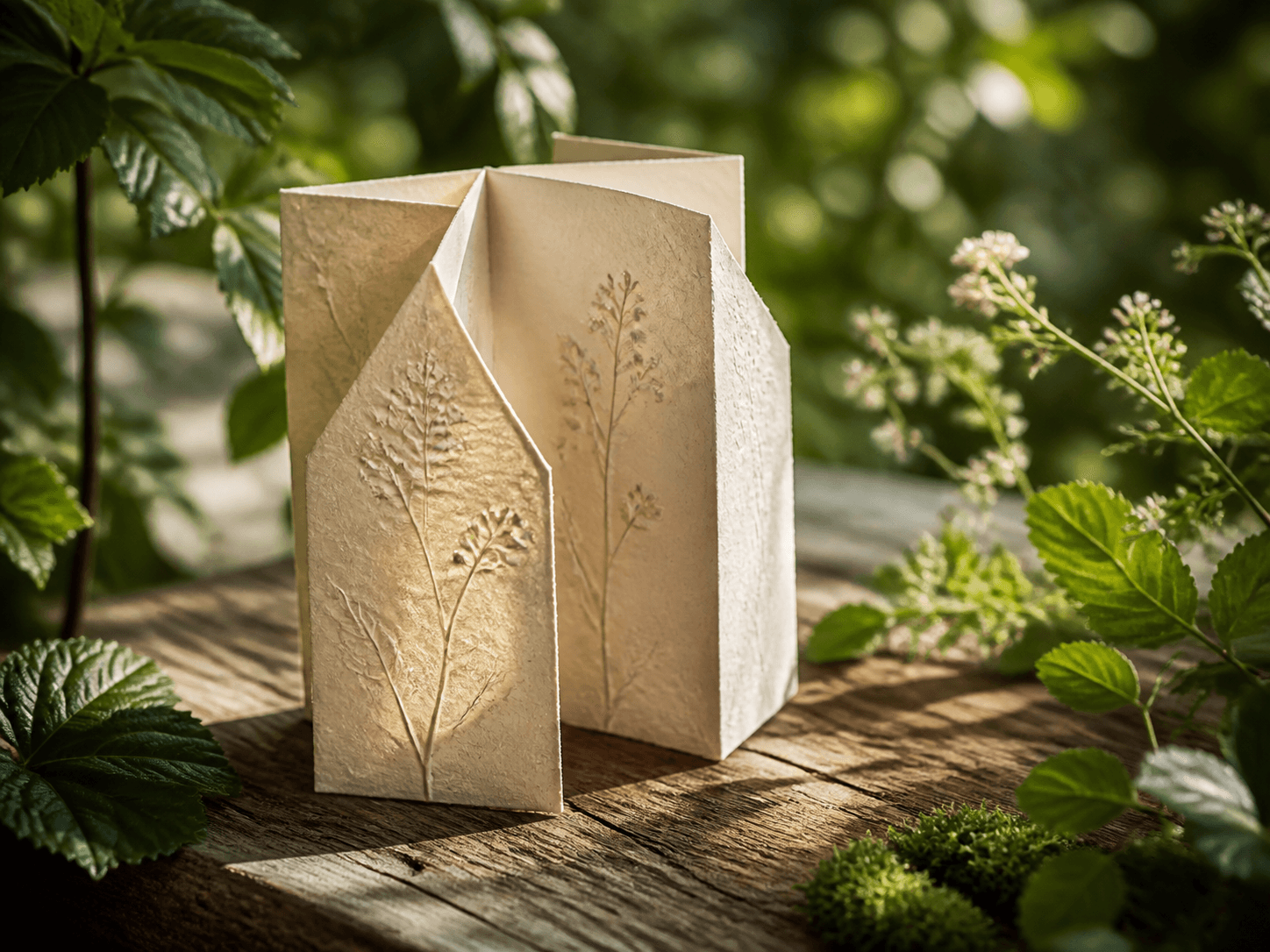
A sculptural paper lamp with pressed botanical details, surrounded by sunlit greenery
Image concept
A CREATIVE DIRECTION / 01

A little light. A new perspective.

THE IDEA

A sculptural lamp made from handmade paper, pressed botanicals, soft afternoon light. An object that feels at home in nature.

Model
Nano Banana Pro
Workflow
Text to image
Explore this model
Start with a prompt. Make it your own.Composition · texture · light
Different strengths. One place to build.
GoogleOpenAIByteDance

01 / The model shelf

Find the right tool
for what you have in mind.

Explore a focused collection of image and video models. Pick a starting point and shape it around your idea.

8 models
A ceramic robot with MLMux embroidered into its mustard scarf arranging a glowing banana-shaped paper lamp in a botanical atelierImage
Google01

Nano Banana 2.1

Gemini image generation and reference-guided editing

Explore model
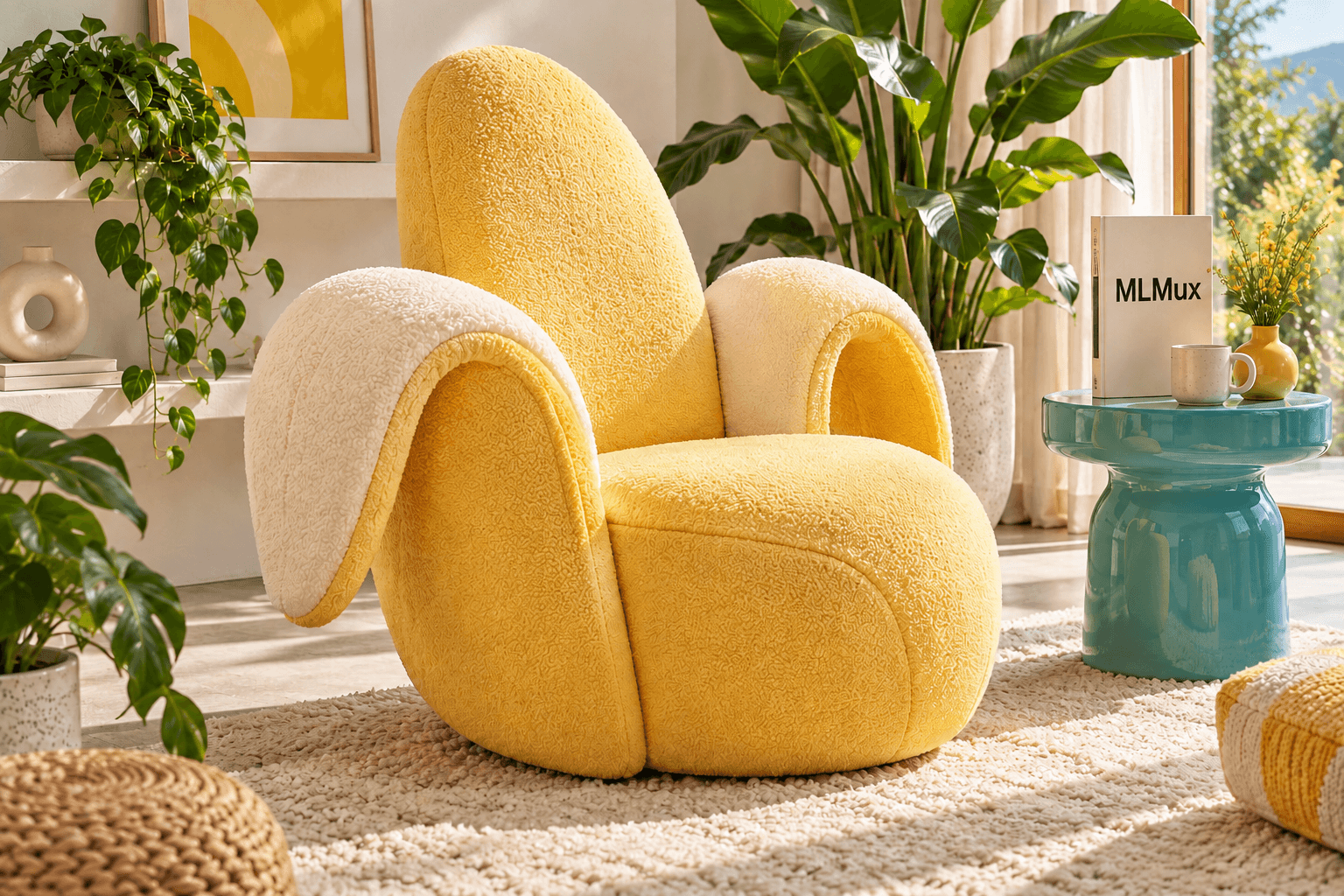
A textured banana-shaped armchair beside a turquoise table and a cream book printed with MLMuxImage
OpenAI02

GPT Image 2

Rich compositions and text in images

Explore model
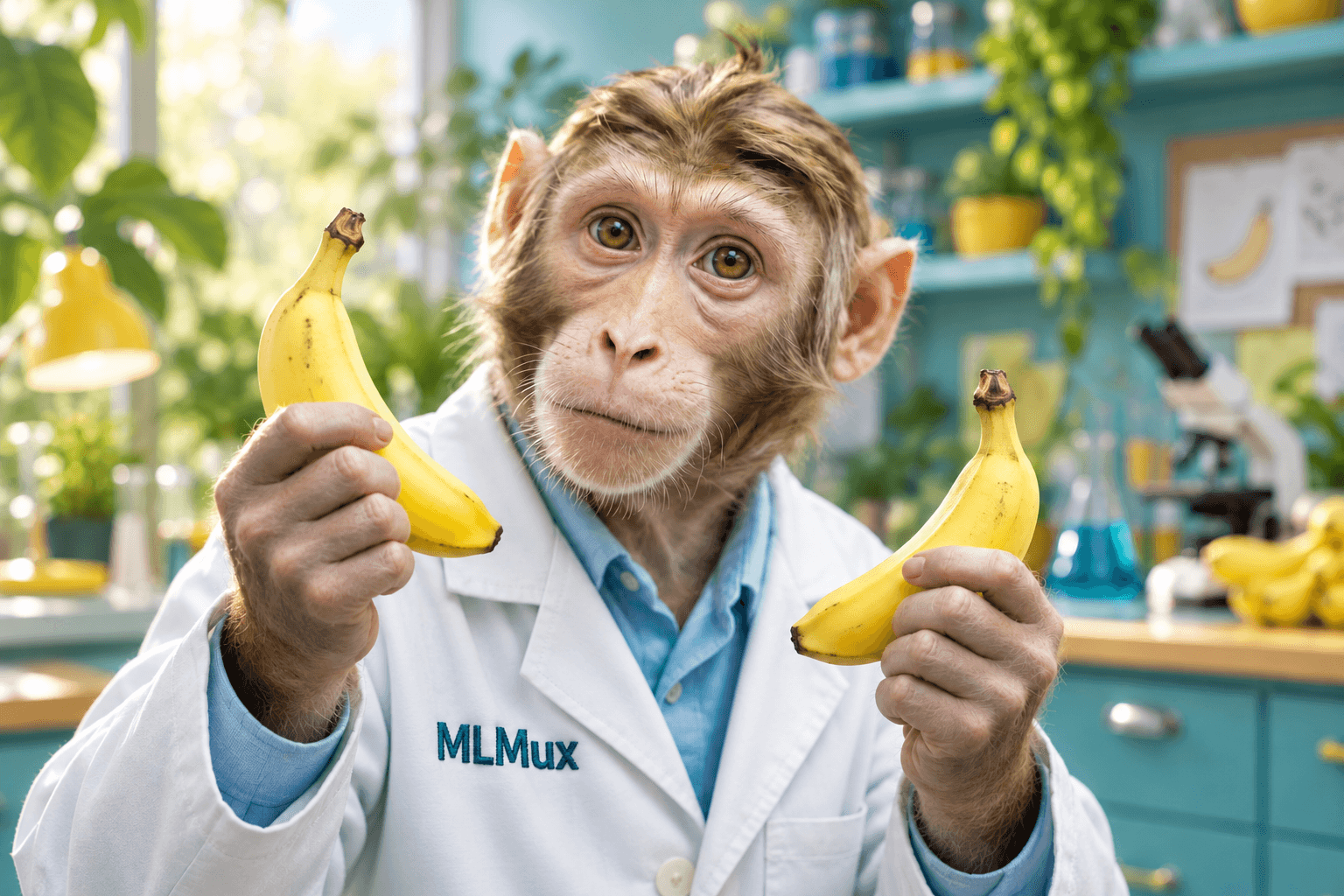
A curious macaque wearing a lab coat with MLMux chest embroidery and holding two bananas in a creative studioImage
Google03

Nano Banana 2

Fast ideas and flexible image references

Explore model
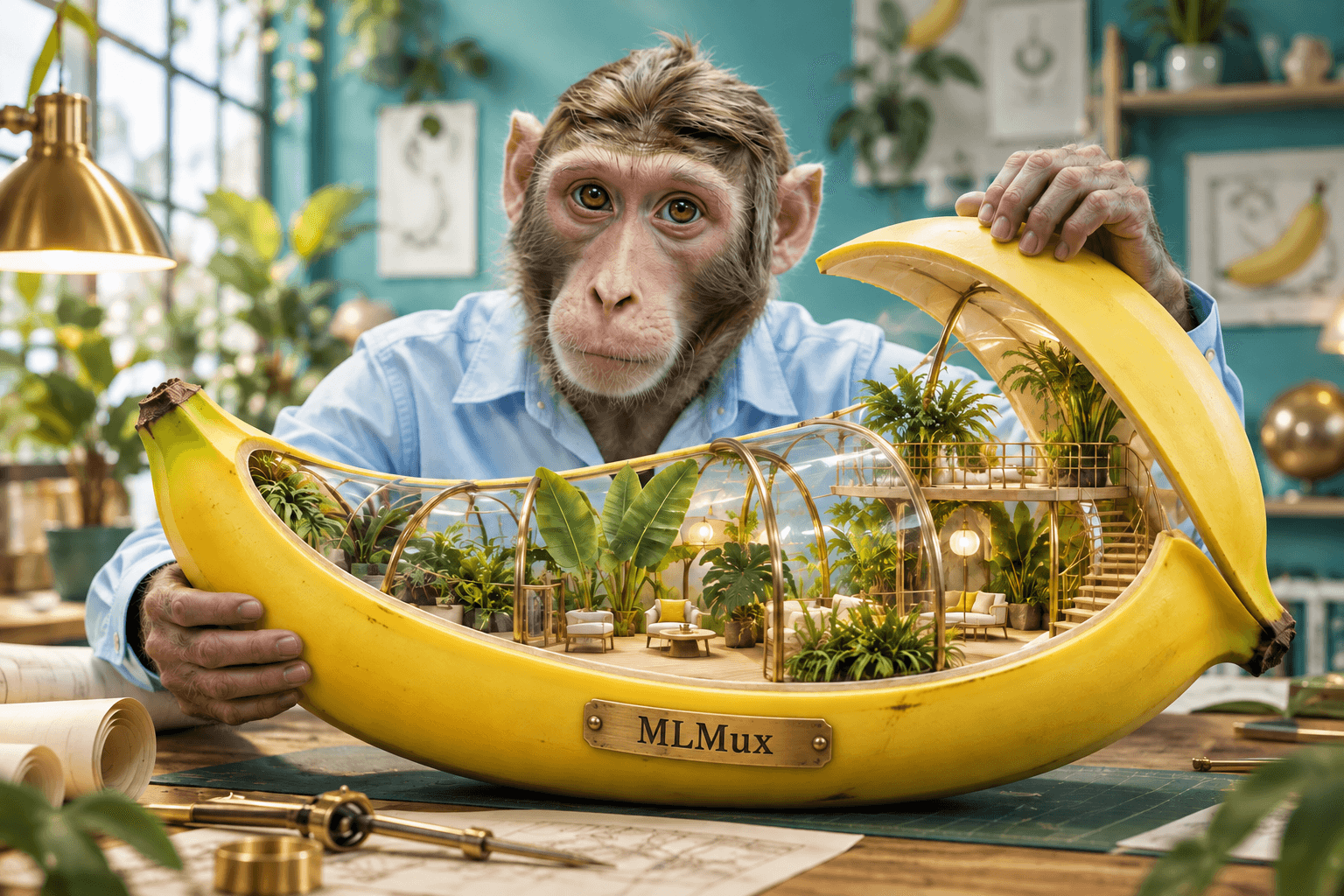
A macaque presenting a detailed banana-shaped miniature glasshouse with an engraved brass MLMux maker's plateImage
Google04

Nano Banana Pro

Complex compositions and high-resolution output

Explore model
A dancer wearing an amber raincoat with MLMux chest embroidery and carrying a turquoise umbrella in a rainy courtyard, a cinematic concept stillVideo
ByteDance05

Seedance 2.5

Cinematic motion with multimodal references

Explore model
An ivory robot with an MLMux factory mark on its chest walking with a golden retriever beside the sea, a character-interaction concept stillVideo
ByteDance06

Seedance 2.0

Video generation with precise visual control

Explore model
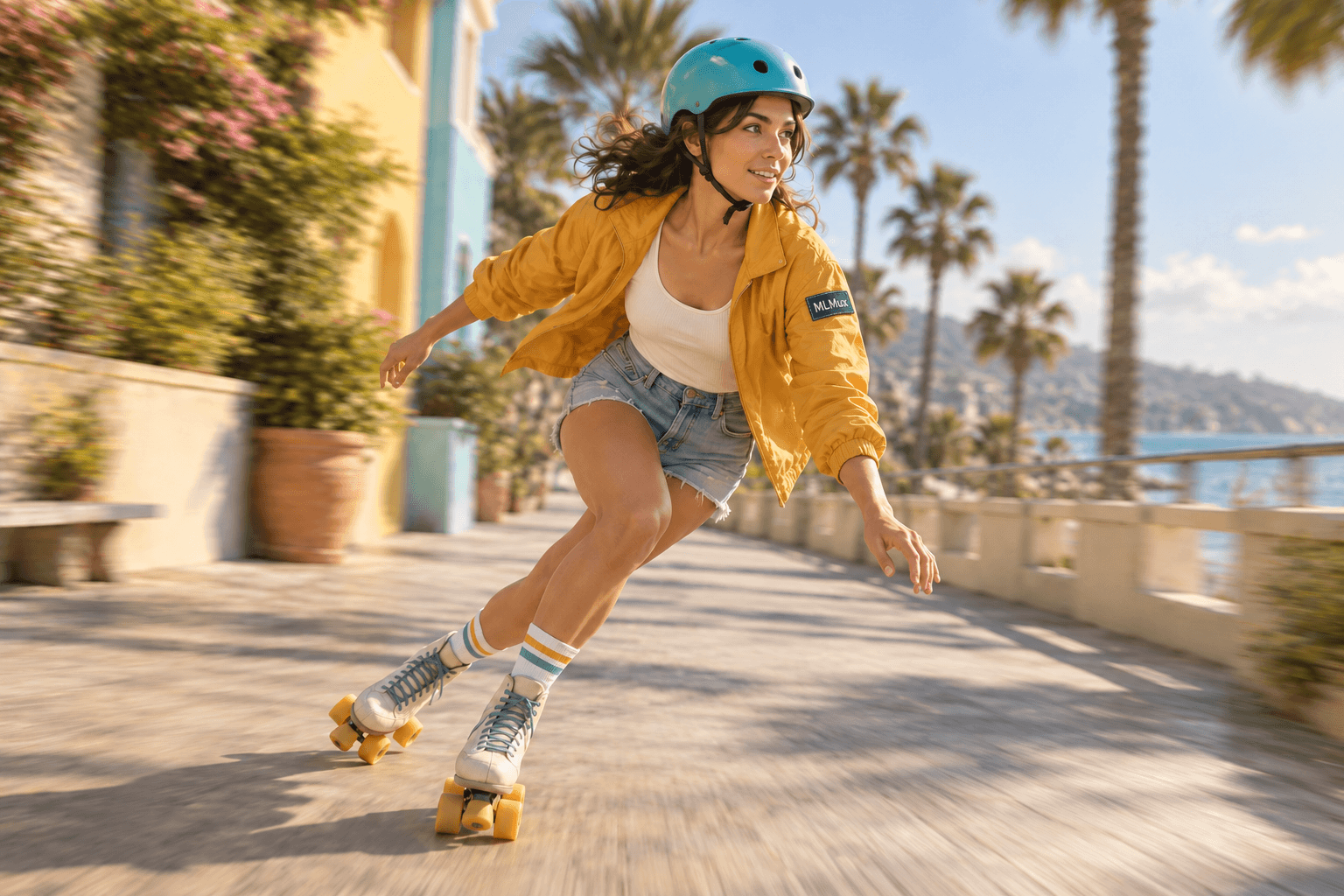
A roller skater wearing an amber jacket with a sewn MLMux sleeve patch and a turquoise helmet, an action concept stillVideo
ByteDance07

Seedance 2.0 Fast

Faster iteration for short video workflows

Explore model
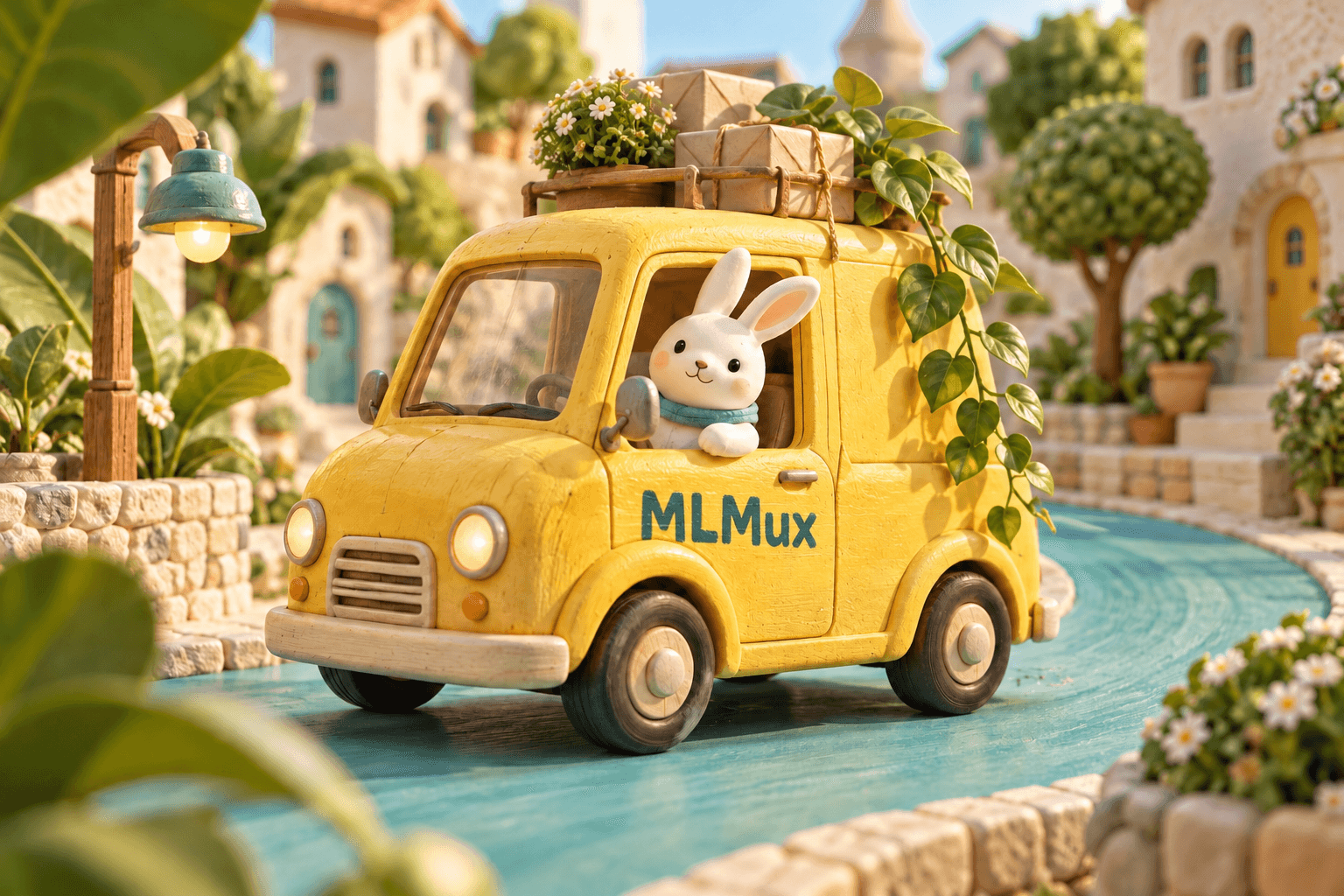
A miniature yellow delivery van with MLMux painted on its door and a ceramic rabbit in a botanical toy town, an animation concept stillVideo
ByteDance08

Seedance 2.0 Mini

An efficient option for everyday video work

Explore model
Swipe or scroll to explore the models.View the full catalog

02 / Two ways to create

Still images. Moving stories.
A wider creative toolkit.

Different ideas need different controls. Explore the inputs and settings that make each medium useful.

Images with intention.

Move from an idea to a finished visual. Explore composition, materials, lighting, and image references with the model that fits your project.

  • Generate from a prompt

    Describe a scene, object, or style and turn it into a new image.

  • Edit with references

    Guide the result with existing images and natural-language instructions.

  • Shape the output

    Choose the supported resolution, aspect ratio, and output settings for your model.

Nano Banana 2.1 · GPT Image 2 · Nano Banana 2 · Nano Banana Pro

Explore the image API
Motion with direction.

Give an idea a sense of time. Start with a prompt, animate an image, or use references to guide a sequence through the Seedance family.

  • Start with words or an image

    Build a scene from a text prompt or use an image as your starting frame.

  • Guide the sequence

    Explore first and last frames, or multimodal references supported by your model.

  • Choose the delivery

    Set duration, resolution, aspect ratio, and audio options within the model’s limits.

Seedance 2.5 · Seedance 2.0 · Seedance 2.0 Fast · Seedance 2.0 Mini

Explore the video API

03 / A few places to start

What will you make first?

A product concept, a campaign direction, a scene in motion. Start small and explore what your idea can become.

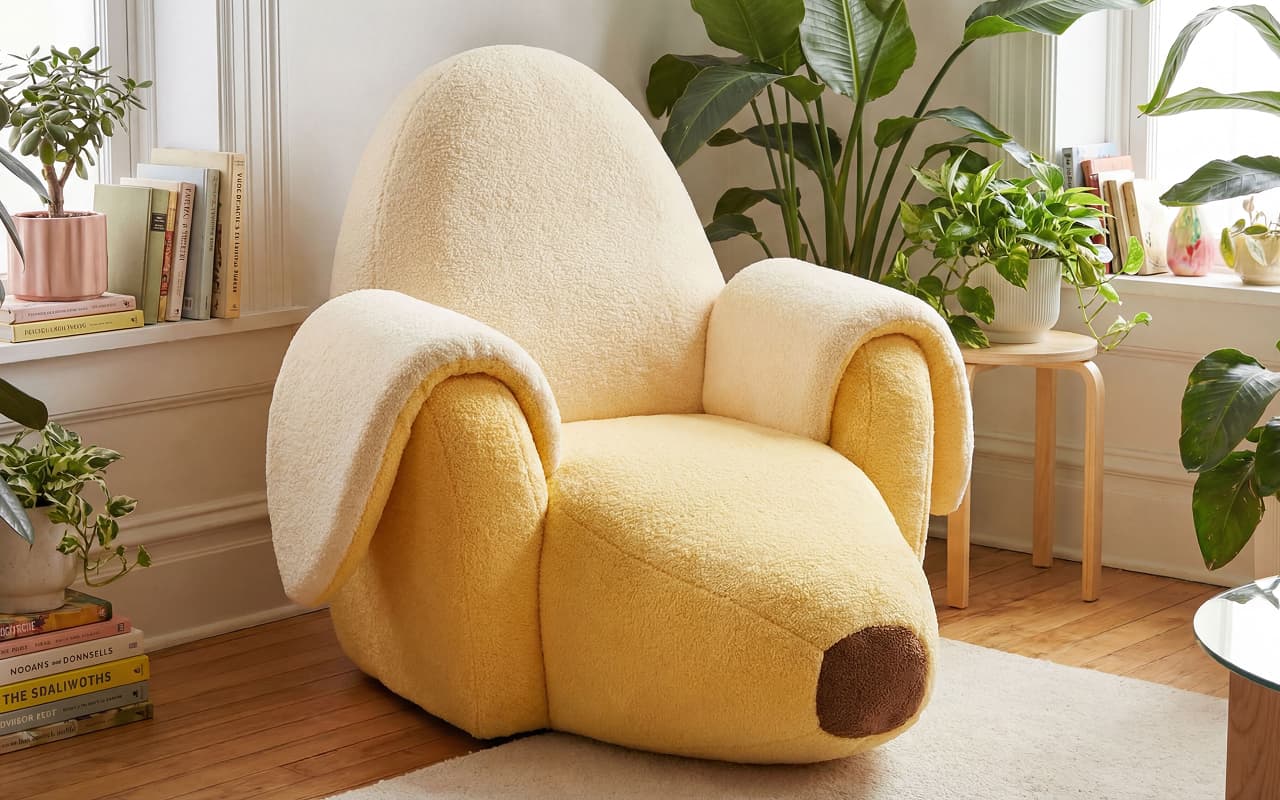
A soft yellow armchair shaped like a peeled banana in a bright, plant-filled room
Product concept · image example
A CREATIVE STARTING POINT

Give an idea a shape.

Explore a product before it exists. Work through materials, silhouettes, and settings, then refine the direction with reference images.

TRY A DIRECTION LIKE THIS

A soft armchair shaped like a peeled banana. Tactile upholstery, natural window light, a calm interior filled with plants.

MODELS TO EXPLOREGPT Image 2Nano Banana Pro
  1. 01Explore the form
  2. 02Refine the materials
  3. 03Find the setting

04 / Made to plug in

The creative part
is yours.
The API is ours.

One API key for image and video generation. Use familiar HTTP requests, choose your model, and build the workflow your product needs.

  • Authenticate with a bearer token.
  • Choose a model and route on each request.
  • Use returned media URLs in your application.
  • Follow asynchronous video tasks to completion.
Read the quickstart
curl https://api.mlmux.com/v1/images/generations \
  -H "Authorization: Bearer $MLMUX_API_KEY" \
  -H "Content-Type: application/json" \
  -d '{
  "model": "nano-banana-pro",
  "route_mode": "official-cheap",
  "prompt": "A paper lamp in a sunlit garden",
  "resolution": "2K"
}'
POST /v1/images/generationsAPI reference
01 / REQUEST

Describe what to make.

Send your prompt, model, route, and the input settings your workflow needs.

02 / TASK

Follow the progress.

Video requests return a task you can poll while the model creates your result.

03 / OUTPUT

Bring the result back.

Retrieve the completed media URL and use it in your application or creative workflow.

05 / Room to make it yours

A clear path from
experiment to integration.

Explore the console
01

Try it in the playground.

Explore prompts, image references, and output settings before you write the integration.

Explore models
02

Choose your route.

Compare official and official-cheap routes. Choose the option that fits your workflow and budget.

See model pricing
03

Bring it into your app.

Create an API key, send a request, and manage your predictions and usage from the console.

Start integrating

06 / Beyond the first result

The tools around
the creative work.

Keep the everyday details close: credentials, requests, credits, and the events that connect your app to its results.

Keep your API access organized.

Create and manage API keys in your account. Review model permissions and route preferences before connecting an application.

Manage API keys

Understand each request.

Review model usage, request status, timing, and billed credits. Open request details when a result needs a closer look.

Explore usage logs

Keep spending in view.

Check your credit balance and billing records in the console. Compare model and route pricing before starting a new workflow.

View credits and billing

Connect your workflow to events.

Configure webhook endpoints for supported request events so your application can respond when work completes or fails.

Configure webhooks
A model is only part of the choice.

Choose official or official-cheap for each request. Review the model’s input requirements and route pricing before you run it.

Explore routes & pricing

07 / Before you begin

A few good
questions.

Start with the essentials. The documentation covers request formats, input requirements, and the next steps for your integration.

Open the documentation
Which models can I use with MLMux?

The catalog includes image models and eight Seedance video models: international and CN versions of 2.5, 2.0, 2.0 Fast, and 2.0 Mini. Each model page explains its supported inputs and output settings.

Browse the model catalog
Can I try a model before writing code?

Yes. Open a model page to explore its playground, prompt fields, and available settings. Sign in to run requests through your account, then use the API when you are ready to integrate the workflow.

Open an image playground
Can I use my own images as references?

Supported image models offer reference-guided editing. Video models can use image inputs, first and last frames, or multimodal references depending on the selected model and workflow. Check the model’s input limits before sending references.

Read the image input guide
How do image and video API requests differ?

Use the image generation endpoint for images and the video generation endpoint for video. Video generation is asynchronous: the response provides a task and polling URL so you can follow its progress and retrieve the completed output.

Read the video task guide
What are official and official-cheap routes?

These are the route choices exposed by MLMux. You can set route_mode on a request or configure route preferences on an API key. The chosen model, route, and output settings affect the quoted price, so review the pricing page for your workflow.

Compare model and route pricing
How is usage priced?

Image generation is priced per image and video generation per second, with rates depending on the model, route, and selected settings. Your console provides credit and usage records; the pricing page lists the available rates.

See the pricing details
Where can I manage API keys and track my requests?

Use the console to manage credentials, inspect request logs, review credits, and configure supported webhook events. The same account connects your playground work and API usage.

Open the console

08 / Keep building

Your next step, documented.

Start with the quickstart.

Create an API key and learn the shape of your first request.

Getting started

Go deeper on images.

Explore image generation, editing, reference inputs, and output settings.

Image API guide

Build a video workflow.

Learn about video inputs, asynchronous tasks, and completed outputs.

Video API guide

THE NEXT THING YOU MAKE STARTS HERE.

Have an idea?
Let’s see it.

Start creating

A place for ideas.
An API for making them real.

ModelsPricingDocumentationUpdatesService status
© 2026 MLMux
PrivacyTerms
Image + video. One API.